COP Zero point shift monitoring
This function monitors changes made in the zero point offset tables.
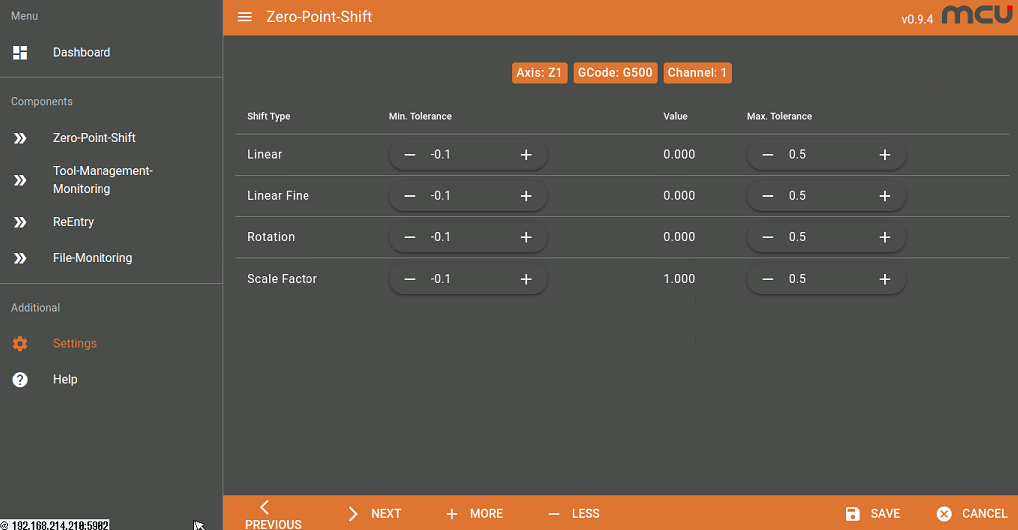
The permissible limit values are generally predefined in the system via a specified value. However, these defined values can be individually adjusted at any time via the EWS application.
Monitoring begins, due to system design, after exiting the zero point offset table in the Siemens HMI.
If the zero point offset is changed during machine operation, an axis position range can be defined in the system within which the machine stop triggered by the alarm message will be executed. For example, this can prevent the machine from stopping during a machining process. The axis position range is defined during commissioning via NodeRed.
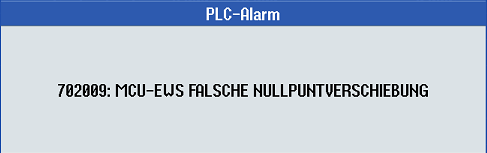
Alarm message in the NC control system:
Alarm message in the GUI:
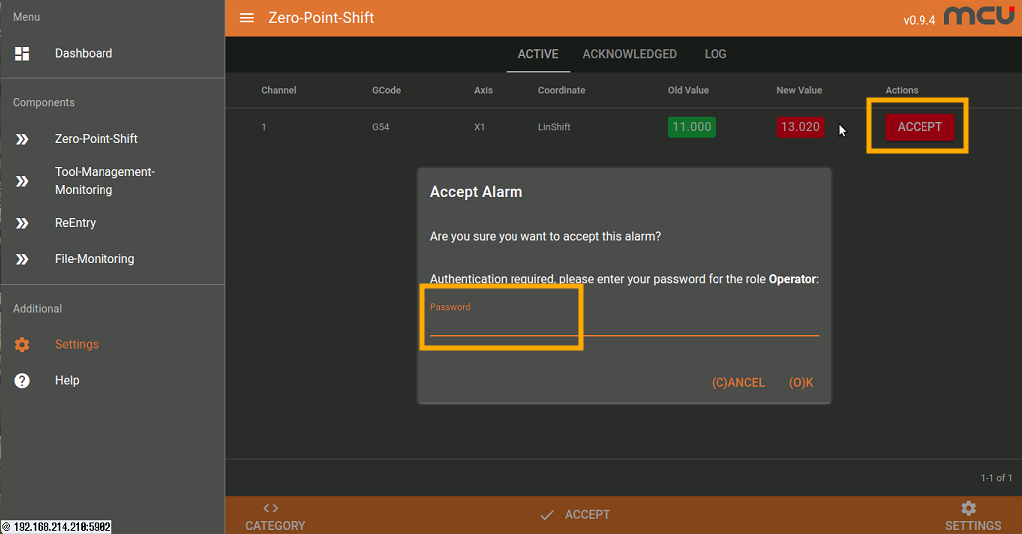
In principle, alarm messages can be "accepted" either by correcting the value in the zero point offset table of the control system or by entering the password: VISA. By acknowledging the alarm, the new zero point offset value becomes valid.
The tolerance limits for individual zero point offsets can be manually adjusted via the "Settings" button.
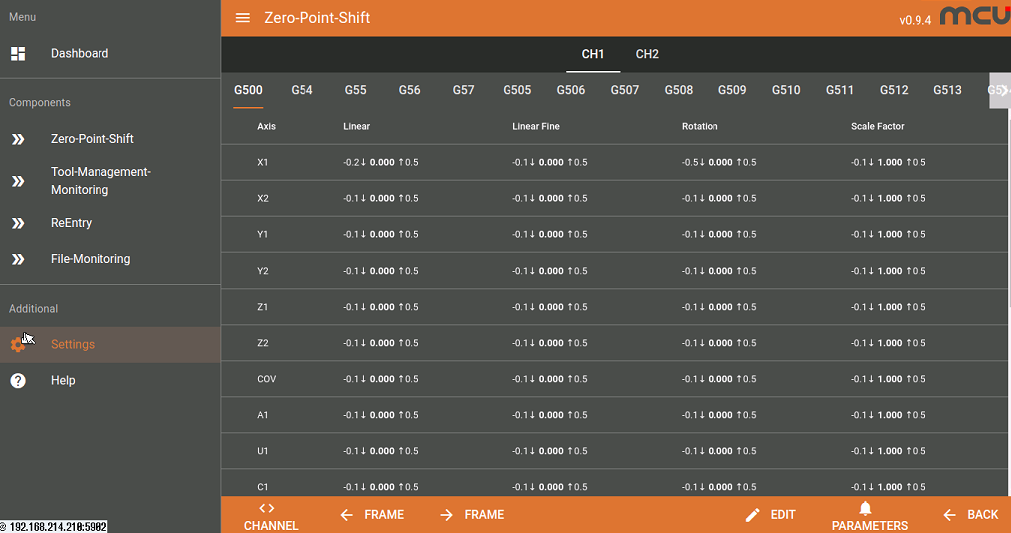
Edit:
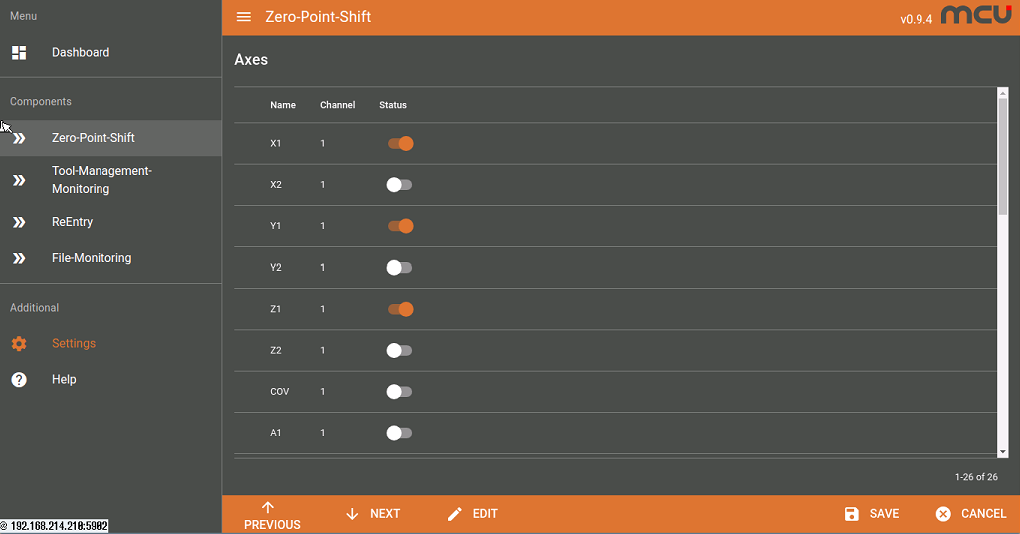
Via the "Parameter" button, you can select which axes should be included in the monitoring process:

Here is an example in which the X, Y, and Z axes have been selected: